
WiFi installation Auckland — finally works in every room of your home.
Whole-home and whole-office mesh WiFi, Cat6-backhauled and Fluke-tested. Same-day Auckland install or your call-out is free.
How much does WiFi installation cost in Auckland?
WiFi installation in Auckland costs $350–$550 per access point installed (Cat6-backhauled, AS/NZS 3080 certified). A typical 3-bedroom Auckland home needs 2–3 APs to eliminate dead zones. Whole-home mesh runs $1,200–$1,800 fitted; office systems $2,400–$3,500. We install Ubiquiti UniFi, TP-Link Omada and Aruba. Free room-by-room signal survey before quoting, then install plus a written per-room speed test. Same-day Auckland or your call-out is free.
Whole-home or whole-office mesh WiFi, Cat6-backhauled and Fluke-tested. Same-day Auckland install or your call-out is free.
Tired of WiFi that drops in the master bedroom every time the kids stream downstairs? Or a Zoom call that freezes when your husband fires up an Xbox? That isn’t a router problem. It’s a cabling and access-point placement problem — and it’s fixable in a single day.
We don’t sell another “ISP router” with a stronger antenna. We install proper ceiling-mounted access points with Cat6 cable backhaul, so every device gets the speed your fibre plan actually delivers.
40+ Auckland mesh installs · Ubiquiti UniFi + Aruba + TP-Link Omada certified · AS/NZS 3080 wired · $5M public liability · 12-month workmanship warranty.
What we install
Single Access Point
- 1 ceiling-mounted AP
- Cat6 cable run to backhaul
- WiFi 6 (802.11ax) capable
- Smartphone admin app
- Best for 1-2 dead zones
Whole-Home Mesh (3-4 APs)
- 3-4 ceiling-mounted APs
- Cat6 backhaul to each
- One SSID across the home
- Fast roaming between APs
- Best for 3-5 bedroom homes
Office Multi-AP (5-8 APs)
- 5-8 APs across office floors
- Guest + staff + IoT SSIDs
- Bandwidth shaping per SSID
- Cloud-managed dashboard
- VLAN segregation
Office and business WiFi setup in Auckland
The same crew that fixes home WiFi sets up office WiFi across Auckland — small offices, shops and clinics that need staff, guest and point-of-sale devices kept on separate networks. A typical office WiFi setup is 5–8 ceiling-mounted access points, each on its own Cat6 backhaul, with guest, staff and IoT SSIDs, bandwidth shaping per network, VLAN segregation and a cloud-managed dashboard, on Ubiquiti UniFi, Aruba or TP-Link Omada. Office systems run $2,400–$3,500 fitted, and a 5–8 AP setup is usually one full day on site.
Before we quote a business WiFi installation we walk the floor and speed-test it, so the access-point count is based on your walls and your headcount rather than a guess. Every Cat6 run is Fluke-tested and you get the written coverage map and test report at handover.
Moving into new premises or fitting out a whole floor? Business WiFi in Auckland is usually one part of a bigger job — see our data network fit-outs page for cabling, comms cabinet, switching and WiFi delivered together, from $2,400.
Why your WiFi is bad — and what actually fixes it
The single most common reason home and office WiFi is bad is that everyone’s relying on the ISP-supplied router as the only access point. ISP routers are designed to be cheap, not strong. They’re placed at the wall socket where the fibre comes in, not at the centre of your house. And they cover one floor at best.
The fix isn’t a stronger router. It’s 2-4 access points placed in the right spots, each connected to a Cat6 cable run back to your switch (not via wireless mesh-relay, which halves throughput). That’s called “wired backhaul” mesh and it’s the only way to get full ISP-plan speed in every room.
How we install — quick version
- WiFi survey + heat-map. We walk the property with a signal-strength tool to identify dead zones and the optimal AP locations.
- Fixed quote in 24h. AP count, brand (UniFi / Aruba / Omada), backhaul cable runs, and switch listed line-by-line.
- Same-day cable run + AP install. Cat6 PoE cable run to each ceiling location. APs mounted flush, cables tidy.
- Network configure. SSIDs (guest + main), channel optimisation, fast roaming, bandwidth limits per the customer’s needs.
- Test + 12-month workmanship warranty. Coverage tested in every room with the customer’s own devices. Anything fails — we return at no call-out fee.
Room-by-room WiFi survey and speed-test map
Every install starts and ends with measurement, not guesswork. We walk the property before we quote, and we hand you written numbers before we leave.
1. Free WiFi survey
We walk the home or office, measure the existing signal in each room, identify the dead spots, and agree a goal speed per room — before anything is quoted.
2. Room-by-room speed test
Before and after readings in every room, taken on your own devices. No guess-the-fix.
3. Written WiFi coverage map
A plain-English document with your WiFi names, passwords, access-point locations and the speed test we just took — so you, or the next vendor, knows exactly what is where.
The map is yours to keep — it is the record of what changed, room by room.
Common questions about WiFi install
How is this different from buying a mesh kit at Bunnings?
The kit at Bunnings (eero, Google Nest, Deco) uses wireless mesh-relay between units — that halves your throughput per relay hop. Our installs use wired backhaul: a Cat6 cable run to each AP. You get the full speed of your fibre plan at every AP, not a degraded fraction.
How long does a typical install take?
Single-AP install: 2–3 hours. 3-AP whole-home mesh: 4–6 hours. Office 5-8 AP setup: 1 full day. We finish in one visit unless major cable-run obstacles appear.
Will it work with my existing modem?
Yes. We sit in front of your ISP modem, not replacing it. Your fibre plan is unchanged; we just stop relying on the ISP router for WiFi distribution.
Why Ubiquiti / Aruba / Omada and not eero/Nest?
Consumer mesh kits go end-of-life in 2–3 years and start dropping firmware support. Pro brands (UniFi, Aruba, Omada) get firmware updates for 7+ years and have proper VLAN/security features. Costs slightly more but lasts 3x longer.
Do I have to run cables through the ceiling?
Almost always — that’s how we get tidy installs without visible cable on walls. We use existing ceiling cavities and cornice gaps. If a small drill hole is needed, we patch and fill before we leave.
Can you bundle this with new Cat6 cabling?
Yes — and bundling saves 15–20 % vs separate jobs. We run the data cabling and APs in the same site visit. Network cabling →
What does the WiFi survey and speed-test map include?
We walk the property before quoting, measure the existing signal room by room and mark the dead spots. After the install we re-test every room on your own devices and hand over a written coverage map with your WiFi names, passwords and access-point locations. You keep it — it is the record of exactly what changed.
Why is my home WiFi slow even though I have fibre?
Fibre speed stops at the ONT. Everything after that is your internal network. If a single ISP router is trying to cover the whole house, or the access points are relaying wirelessly instead of running on Cat6, you lose most of the plan you are paying for before it reaches the room you are sitting in.
Why does my WiFi keep dropping out?
Most Auckland WiFi drop-outs come from one router trying to cover too large an area, wireless backhaul instead of ethernet, or channel interference on 2.4GHz. The fix is Cat6 backhaul plus two to three access points placed by signal map, not by where the power point happens to be.
Mesh WiFi vs a single router — which do I need?
A single well-placed access point is usually enough for an apartment or a small single-level home. Anything two-storey, or over roughly 150m², or with block or foil-backed walls, needs multiple access points. The survey answers this before you spend anything — we would rather sell you one AP that works than three that were not needed.
Do you fix existing WiFi, or only install new?
Both. If your gear is decent we will re-place, re-cable and re-configure it rather than replace it. If it cannot deliver what you need we will say so and quote the upgrade separately, so the two decisions stay visible.
What is the difference between WiFi 6 and WiFi 6E?
WiFi 6 (802.11ax) runs on 2.4GHz and 5GHz. WiFi 6E adds the 6GHz band, which is far less congested but shorter range — so it rewards more access points and wired backhaul. For most Auckland homes WiFi 6 with Cat6 backhaul outperforms WiFi 6E on a weak layout.
How long does the coverage map take to receive?
You get it on the day. The speed test is taken with you present at handover, and the written map is emailed the same afternoon.
We install WiFi across Auckland
Ready for WiFi that just works?
Free 30-minute site survey with signal-strength heat-map. Fixed-price quote in 24h. Most installs done same day. If we can’t make today, your call-out is free.
WiFi is part of every commercial fit-out — see retail and hospitality fit-out cabling, warehouse cabling and WiFi, and medical and dental fit-out cabling.
Recent WiFi + Cat6 installs
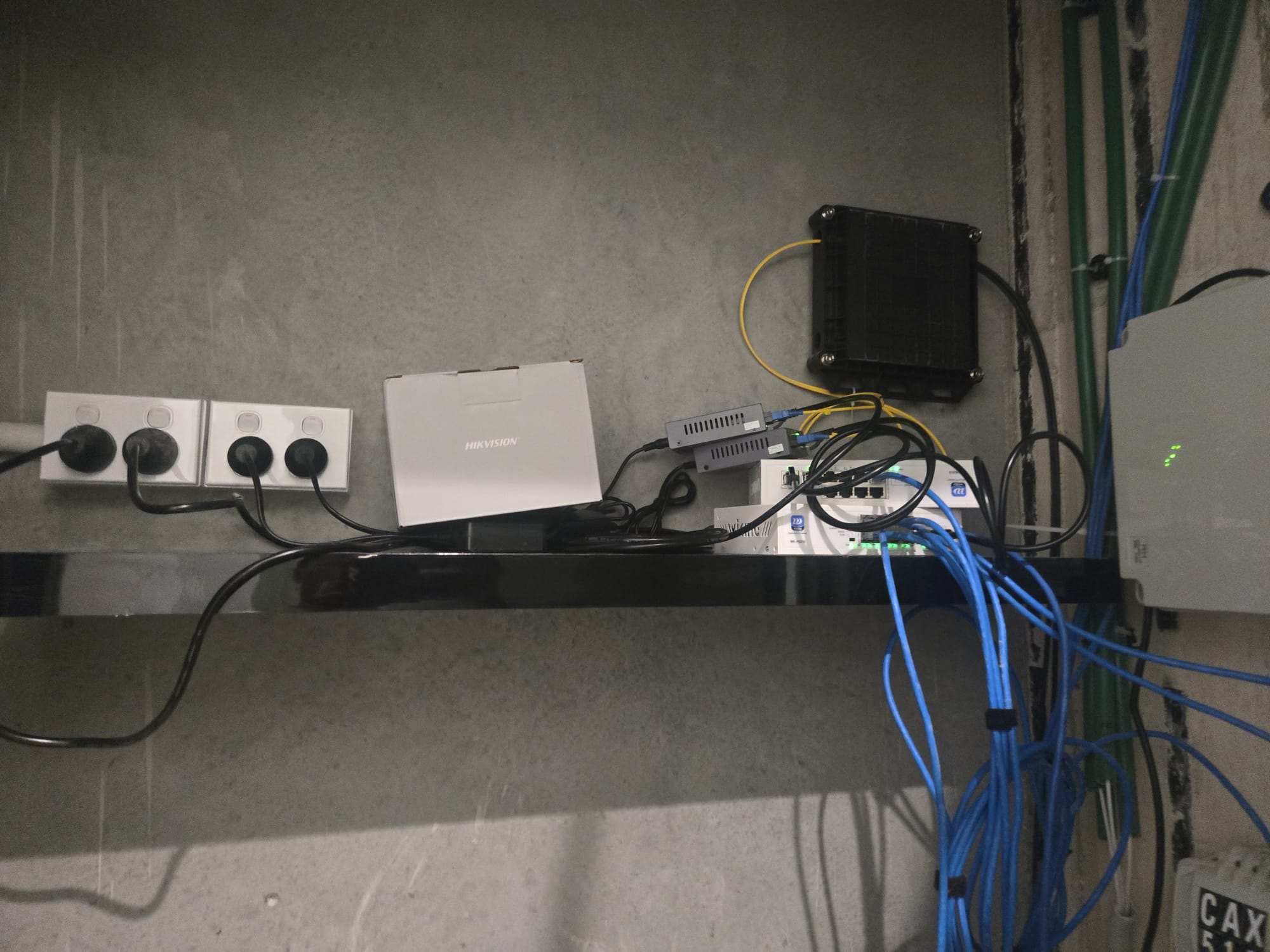
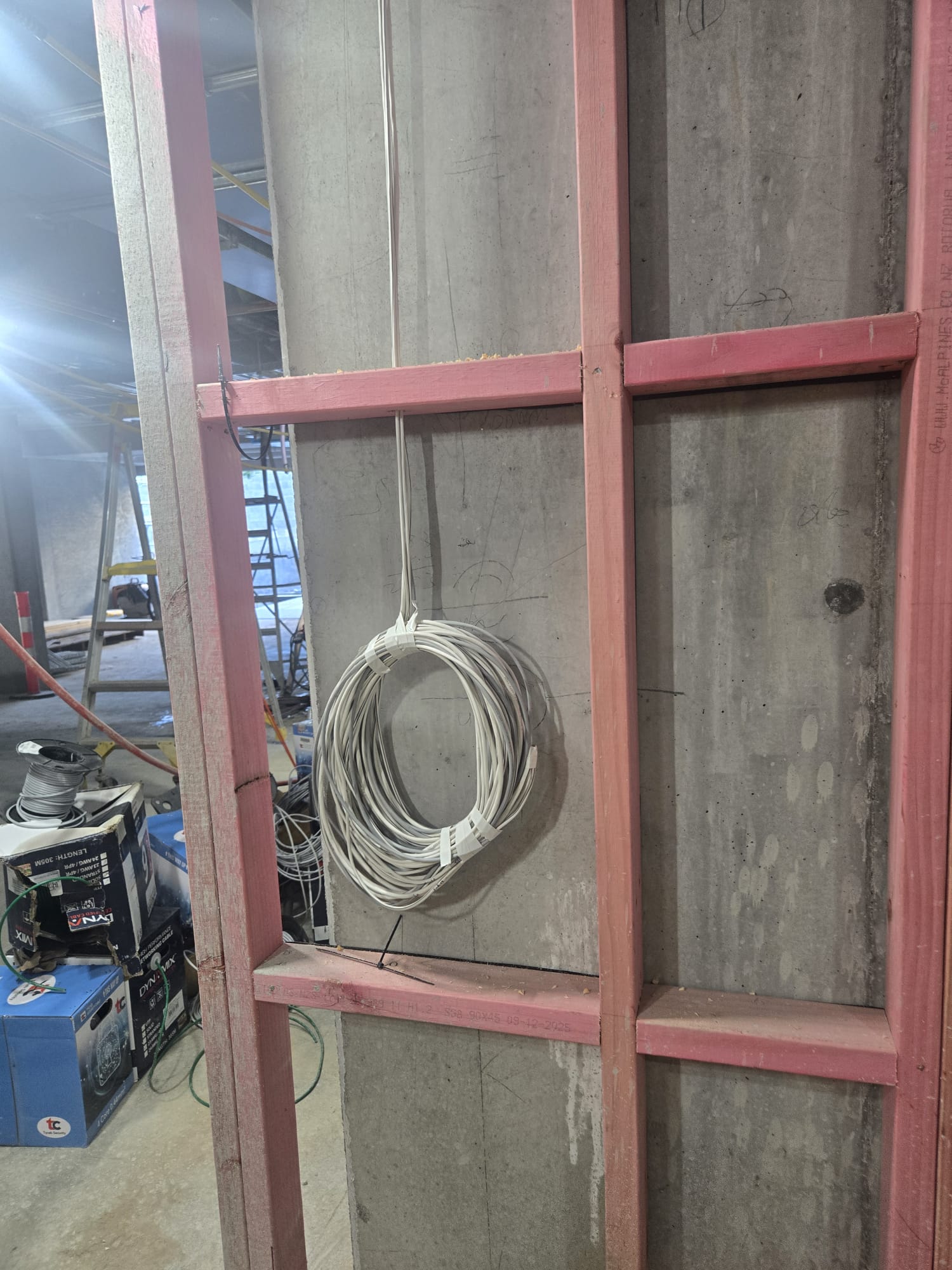
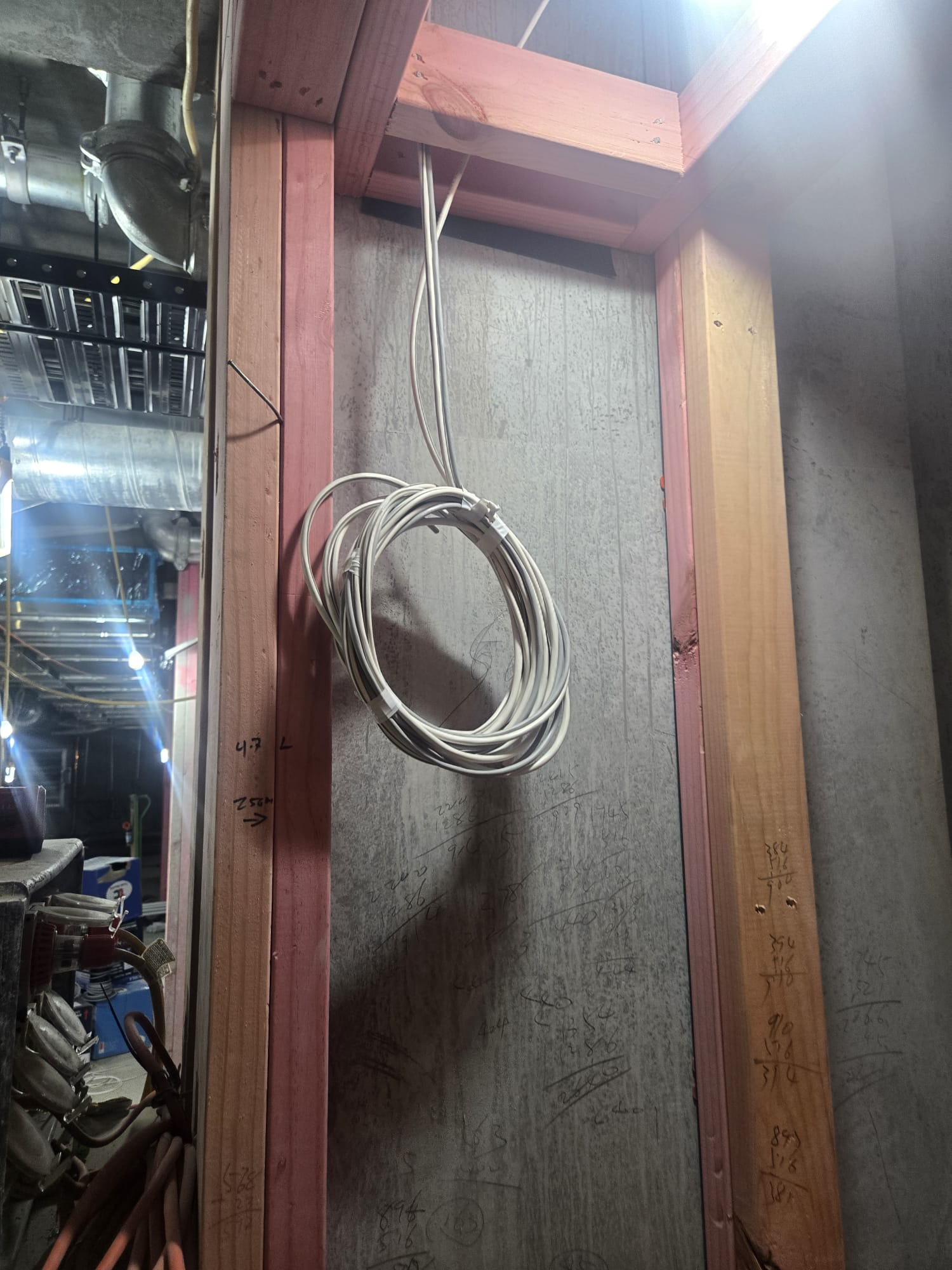
Need cabling done at the same time?
Most WiFi installs need Cat6 cabling for PoE devices and patch back to a network rack. Bundle the cabling on the same job and save the second call-out fee.
Stronger WiFi starts with the wires behind it
The ethernet that makes WiFi actually work
Get a free, no-obligation site inspection
We’ll visit, scope the job, and email you a fixed-price quote within 24 hours. 350+ Auckland jobs delivered, 12-month workmanship warranty.
Outside Auckland? We also cover the Bay of Plenty — see alarms, CCTV and WiFi installation in Tauranga, same fixed prices and the same 12-month workmanship warranty.