

What an office workstation fit-out actually involves
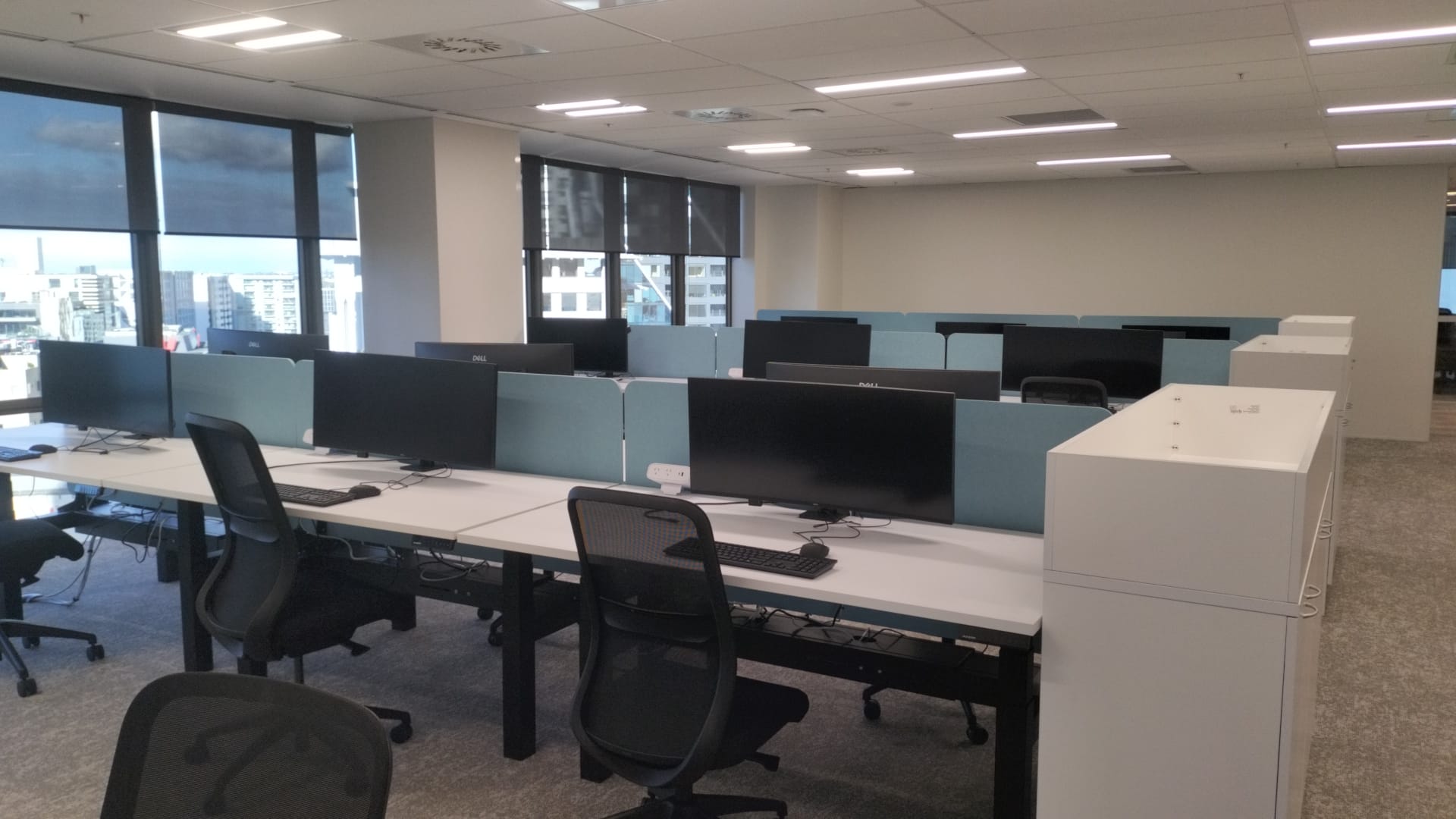
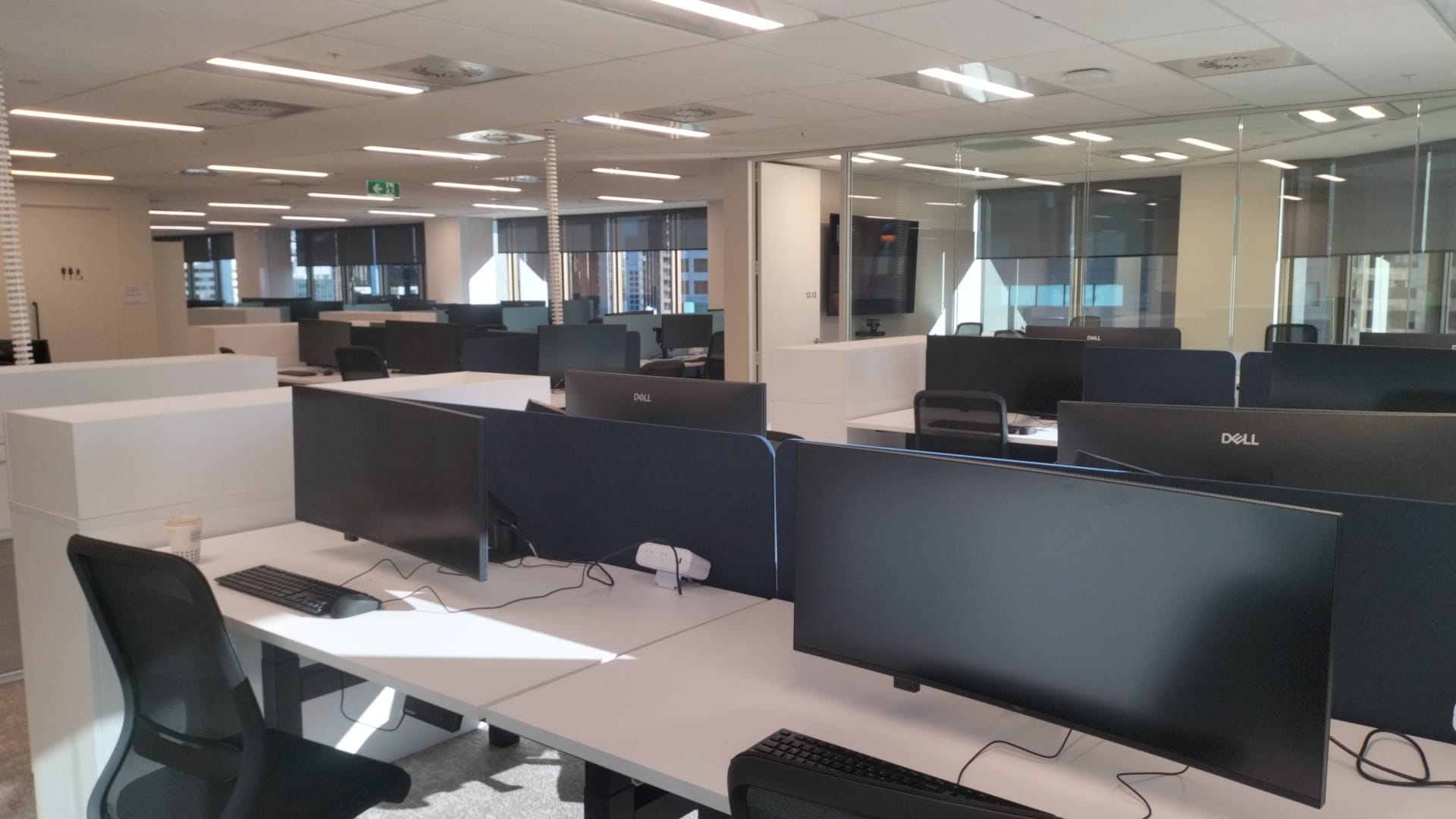
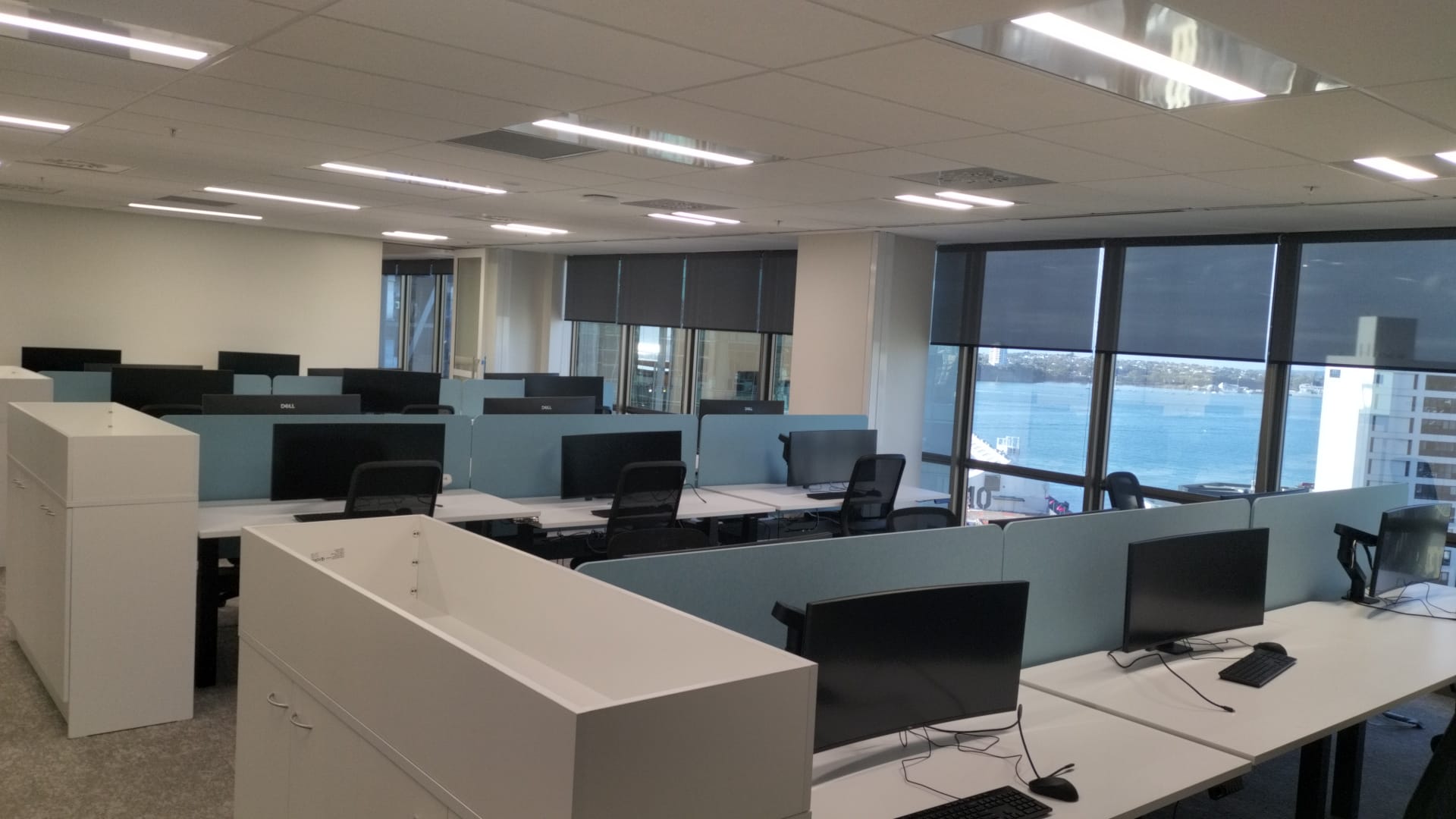
We recently set up 87 workstations on a level-13 Auckland CBD floor in a single deployment. Here’s what that work looks like, and why the details matter when a whole team has to start work the next morning.
When a business moves floors, expands, or refits, there’s a quiet job that decides whether Monday morning runs smoothly: getting every desk set up and ready to work. Monitors mounted at the right height, dual screens that actually turn on, a keyboard and mouse at every seat, and the cabling tucked away so the floor looks finished rather than half-built. Do it well and nobody notices. Do it badly and you get a floor of staff who can’t start, and a facilities manager fielding complaints all morning.
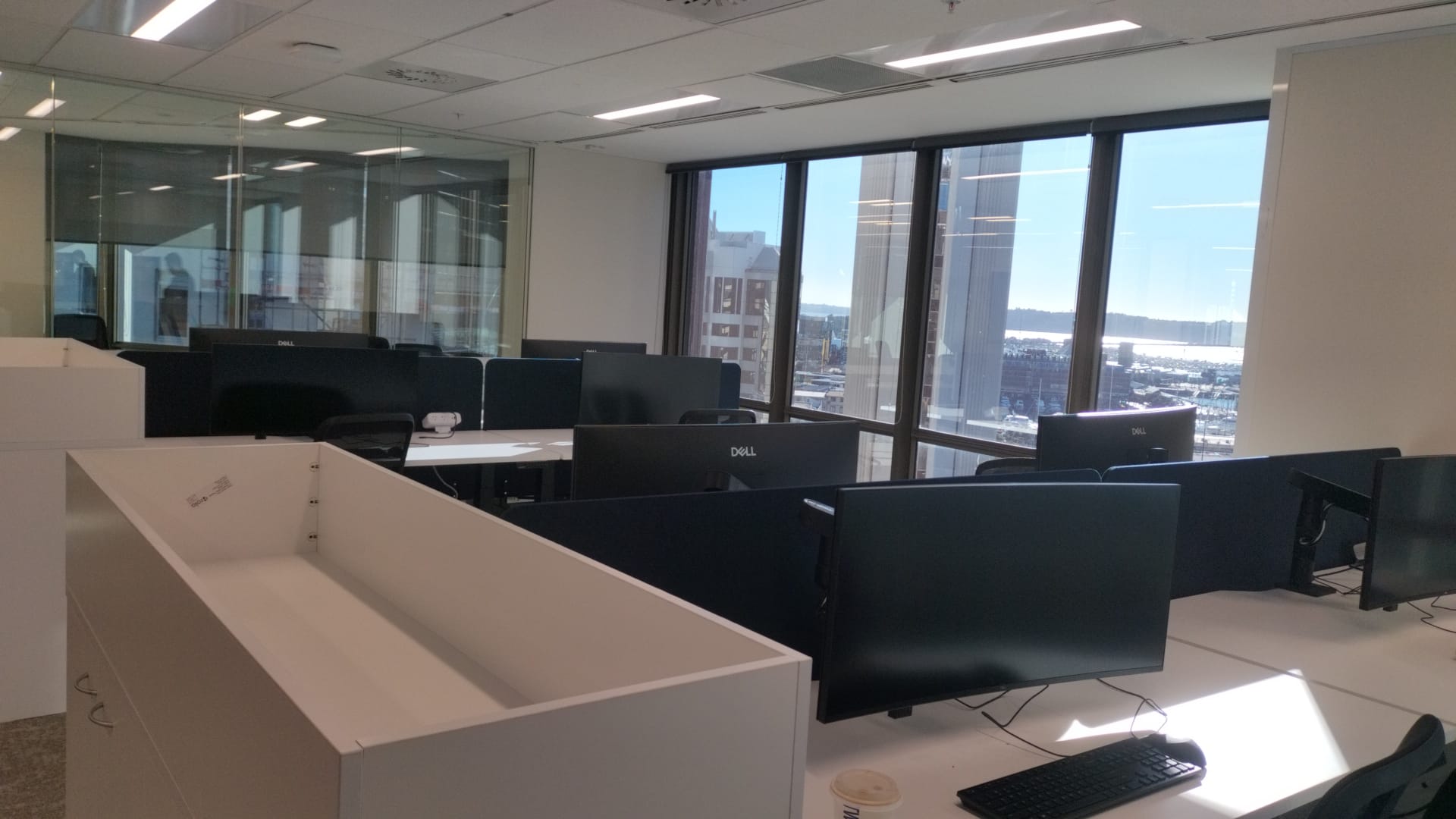
An office workstation fit-out is the physical set-up of every desk so a team can start work: mounting monitor arms, fitting and connecting screens, installing keyboards, mice and USB-C hubs, managing the cables, and testing each station. On the level-13 job we did 87 of them, on schedule, with two field engineers working the floor.
What goes into each desk
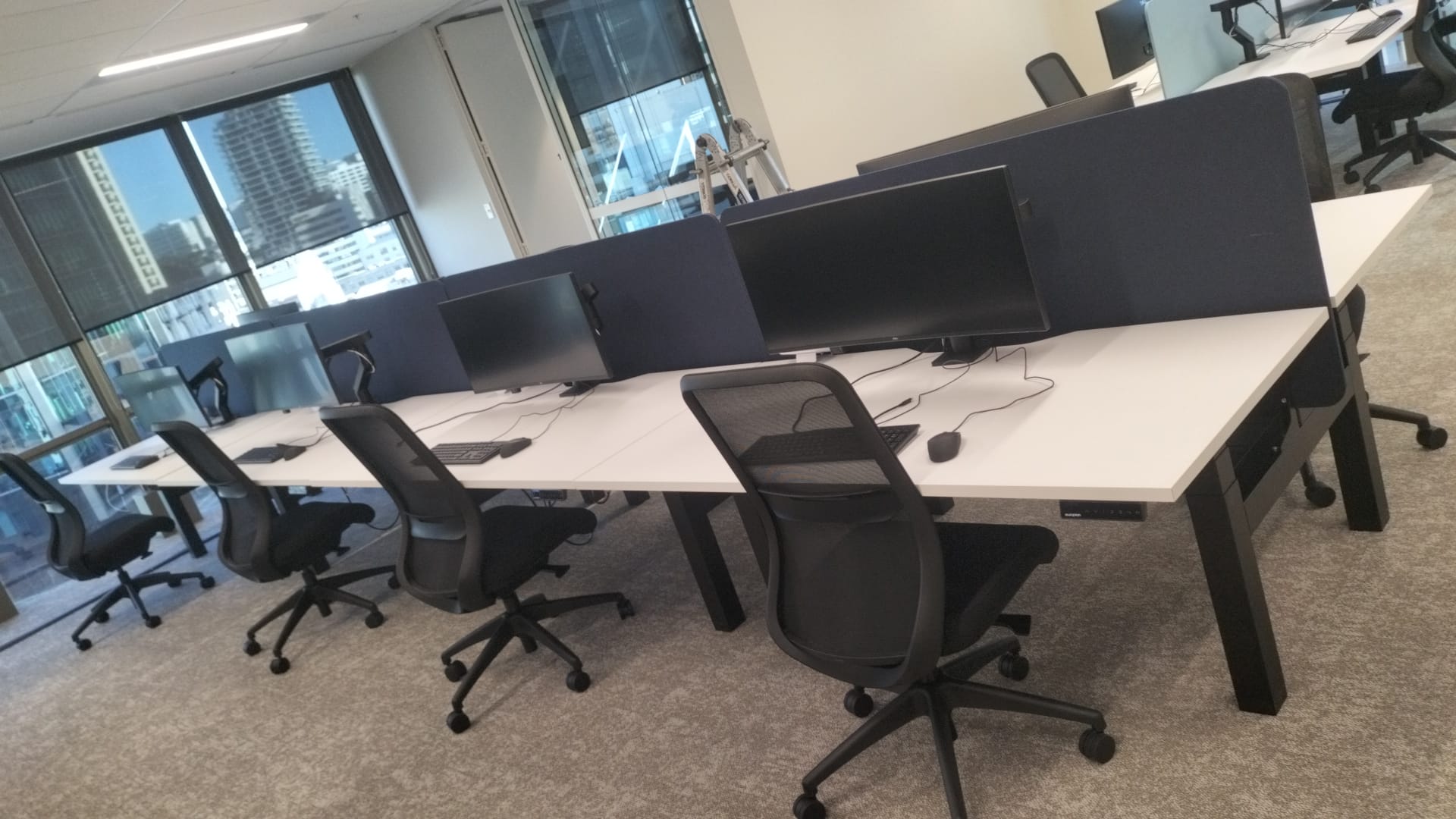
Every workstation on the floor got the same treatment, repeated 87 times without the quality dropping off on desk number 80. For this fit-out, each station included:
- Single monitor arm installed and set to the right height
- 34" curved monitor mounted and secured
- USB-C hub monitor connected so it’s one cable to the laptop
- Keyboard and mouse installed and paired
- Cable management so the desk looks finished, not a tangle
- Basic testing on every station before sign-off
Why the boring details decide the result
The hardware is the easy part. What separates a good fit-out from a frustrating one is consistency and timing. Eighty-seven desks is the same job done eighty-seven times, and the screen height, the cable routing and the testing have to be identical on the last desk as the first. It also has to land on schedule, because a fit-out usually happens in a tight window before staff arrive, often with lift access booked and gear that has to come up from the ground floor.
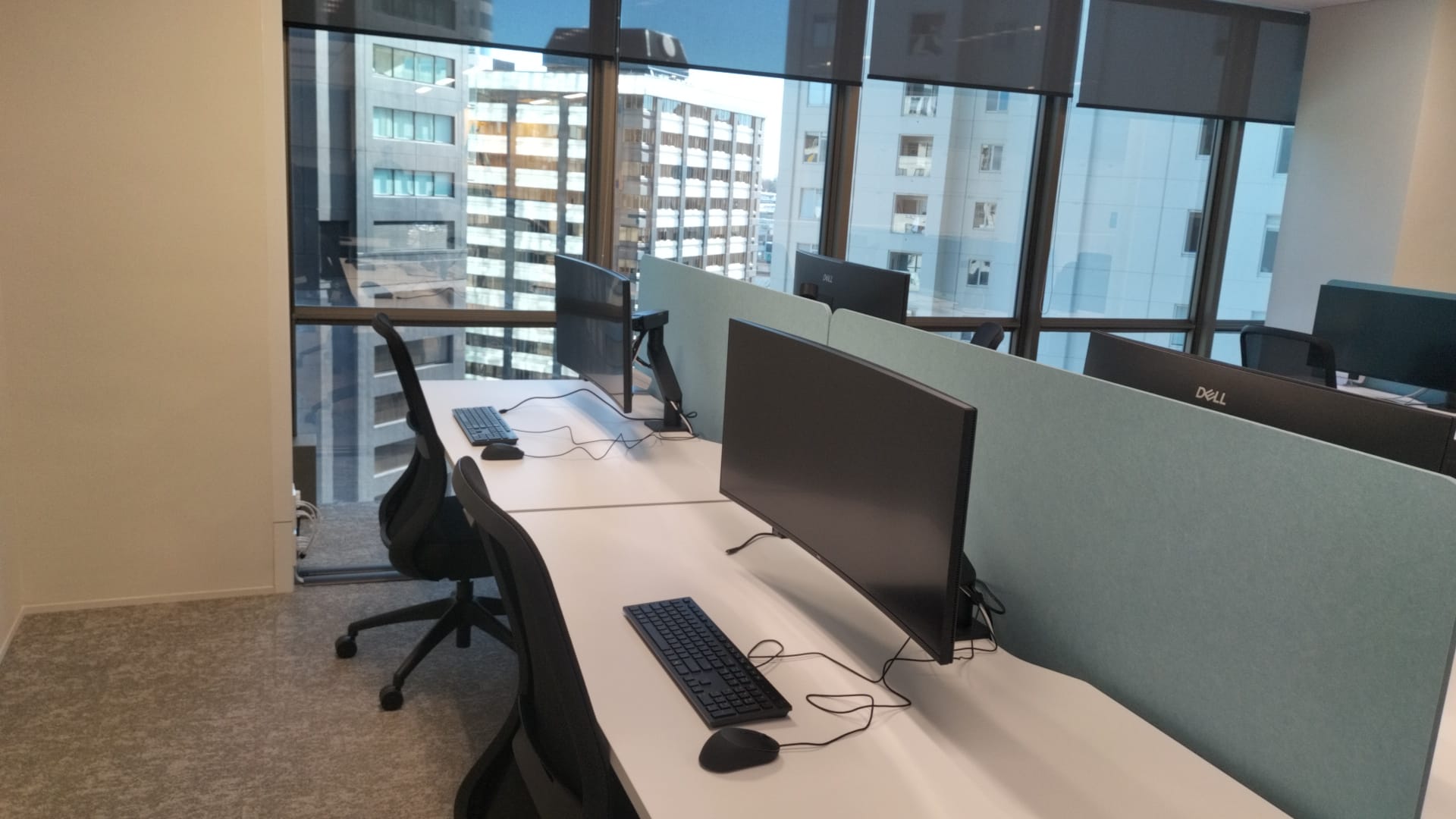
That’s why we run it as a planned deployment, not a pile of boxes and an afternoon. Equipment staged, a clear order of work, two engineers moving through the floor, and every station checked before it’s called done.
Where this fits with the rest of your office network
Workstation set-up is the visible end of an office fit-out. Underneath it sits the data cabling and network that feed every desk — and that’s the trade we’re built on. If you’re fitting out or moving an Auckland office, we can handle the workstation deployment, and we can also take care of the data cabling, structured cabling and office network installation that sits behind it, all certified to AS/NZS 3080. One team, one point of contact, the whole floor ready to work.
Office fit-out FAQs
What is an office workstation fit-out?
It’s the physical set-up of every desk so a team can start work: mounting monitor arms, fitting and connecting screens, installing keyboards, mice and docks, managing the cables, and testing each station before handover.
How long does it take to set up an office floor?
It depends on the number of desks and the access, but a planned deployment with the right crew moves fast. We set up 87 workstations on a single CBD floor on schedule with two field engineers.
Can you do the cabling and the workstations together?
Yes. Data cabling is our primary trade, so we can run the certified cabling and network behind the desks and do the workstation set-up on top, with one team and one point of contact.
Do you work in Auckland CBD office towers?
Yes. We work across Auckland, including CBD high-rise floors where lift access and timing have to be planned around the building.
Fitting out or moving an Auckland office?
We’ll set up the workstations and the network behind them, on schedule, fixed-price. Book a free site visit anywhere inside Auckland’s 40 km radius.
Planning a whole office move or refit? See our office fit-out & workstation deployment service.