
How much does data cabling cost in Howick, Auckland?
Howick pricing nuance: Howick jobs sit mid-to-upper range because the majority are two-storey homes requiring cable runs between levels. A single-storey Howick job runs at standard Auckland rates; two-storey adds 15–25% for the second-floor cabling and an upstairs access point.
Data cabling in Howick starts from $480 for a four-port Cat6 install — same crew, same fixed pricing as our Auckland-wide service. Single points start from $150 fitted. We cover Howick from our central Auckland depot with no travel surcharge. Same-day install option from $580 (book by 10am). Free on-site walkthrough and written quote in 24 hours. Fluke-certified, 25-year Legrand or CommScope system warranty (certificate issued for your job).
Howick cabling, WiFi & security — multi-storey homes, fixed price, same day
Cat6 & Cat6A cabling, WiFi installation, CCTV and burglar alarms across Howick, Pakuranga, Botany, Bucklands Beach and Highland Park. Fixed-price quotes in 24 hours, AS/NZS 3080 certified, 12-month workmanship warranty. Two-storey homes are our most common East Auckland job.
5.0 ★ on 5.0★ on Google
$5M public liability
AS/NZS 3080 certified
12-month workmanship warranty
Why Howick WiFi feels slow upstairs (and the real fix)
The Howick pattern: two-storey homes, modem downstairs, WiFi dies upstairs. Most Howick homes — Bucklands Beach, Highland Park, Botany Heights — are two or three storeys. The Chorus ONT (fibre modem) sits downstairs near the front door. By the time WiFi reaches the upstairs office, master bedroom or rumpus room, it's dropping packets and reading 40–120 Mbps instead of the 700–900 Mbps you're paying for.
Mesh extenders help, but they cut your speed in half because every extender hop loses bandwidth. The real fix is one Cat6 cable from the modem to a wall-mounted access point upstairs. Fluke-tested at 920+ Mbps. $480–$580 supplied, fitted, warranted. Same fix that worked for Tom's Ranui garage WiFi rescue (full case study, photos, speed tests).
Howick pricing — 2026
- From $480 — 4 Cat6 outlets, Fluke-tested, 12-month warranty (single-storey home)
- From $620 — Cat6 run upstairs to a wall-mounted access point (two-storey home)
- From $4,700 — CCTV bundle: 4 Hikvision/Dahua cameras + 30-day NVR + smartphone app
- From $1,290 — Burglar alarm: 4-zone monitored + smartphone alerts + 12-month monitoring
- From $890 — Access control: keycard/keyfob entry on a single internal or external door
- Same-day install option — if we can't make today, your call-out is free
Three Howick jobs we did this quarter
Job A — Bucklands Beach 3-storey, upstairs Zoom-call disaster. 2014-built home, modem in the garage downstairs, owner working from a third-floor office. Zoom and Google Meet were dropping calls 4–6 times per day. We ran one Cat6 from the ONT up through the cavity to a Ubiquiti UniFi access point in the upstairs hallway. Whole-house WiFi went from 70 Mbps upstairs to 870 Mbps. Time on site: 4 hours. Cost: $780 (3-storey premium for cavity access).
Job B — Highland Park CCTV after garage break-in. Owner came home to find their garage door forced and tools missing. We installed 6 Hikvision ColorVu cameras (driveway, both side gates, garage, back deck, front door), 8TB NVR with 30-day recording, smartphone app with motion zones. Same-day site visit, three-day install. Cost: $3,180 all-in (6-camera variant). Within 6 weeks they caught a delivery courier dropping a parcel over the back fence instead of at the door — resolved with the courier company that same day.
Job C — Botany home office network upgrade. Owner runs an accounting practice from a converted downstairs office. Needed reliable hardwired connection for two desktops, a server NAS, and a printer. We ran 4 Cat6 outlets back to a small patch panel + 8-port managed switch in the comms cupboard. Everything Fluke-certified at 1000 Mbps. Time: 6 hours. Cost: $890. Practice management software now runs without lag for the first time in 3 years.
What makes Howick different from West or North Auckland
1. Bigger houses, longer cable runs. Howick has a lot of 2010-onwards builds in the 200–350m² range. Cat6 runs of 30–60m are common, which means the modem-to-access-point hop matters. We use solid copper Cat6 (not CCA aluminium that's sold cheaply online) so the run holds full gigabit speeds end-to-end.
2. More CCTV demand around break-ins. Howick, Pakuranga and Botany have higher reported burglary rates than West Auckland, which is why 60% of our Howick jobs include a CCTV component. We default to Hikvision ColorVu (24/7 colour at night) or Dahua TiOC (with active deterrent) — not the cheap unbranded Chinese cameras that fail in 2–3 years.
3. Multi-generational households with home offices. A lot of Howick homes have two or three working adults plus students — meaning the WiFi is being hit by 8–15 devices simultaneously. A single Cat6 to a properly placed access point upstairs handles this better than any mesh system on the market under $1,500.
Howick install FAQ
1. Can you run Cat6 up to a Howick second-storey office through solid brick?
Yes — Howick's solid-brick two-storey homes are our specialty. We usually take cable up through the external cavity between the brick skin and internal frame, or up through the internal wall cavity from the ground floor to the upstairs office. No exterior surface trunking, no visible cable outside. We identify the run at the site visit and quote it fixed.
2. Do we need two WiFi access points for a Howick two-storey home, or does one router upstairs work?
Two APs is standard for Howick. Solid brick between floors kills the WiFi signal from a single downstairs router — most Howick homeowners we quote have already learned this the hard way. One AP on the ground floor plus one upstairs (usually hallway or master bedroom) gives full coverage. A single upstairs router works for the top floor only; downstairs will still drop out.
3. How do you cable Howick homes with concrete-slab upper floors?
Concrete-slab upper floors (common in Howick 90s builds) block the easy cavity-up-through-cavity path. We route cable up through the external eave, along the roof-space soffit, and down into the upper-floor cavity from above. Adds about 2-3 hours to a standard install and typically +0-320 to the fixed price. We flag it at the site visit.
4. Can you fix Howick upstairs WiFi dropout without running new cable?
Sometimes — depends on the cause. If the router is downstairs and there's solid brick between floors, no fix without new cabling. If the upstairs coverage is patchy because of an old AP or a bad channel, we can swap or reconfigure at the site visit for a service fee (typically 0). We diagnose first, quote second, so you know before you commit.
5. Do you cover Howick Village heritage-zone restrictions?
Yes. Howick Village heritage-zone properties need concealed cabling (no external cable, no exposed conduit) and we plan around that. All runs go inside walls, roof space, or under floors. External cameras use paint-matched cable clips and the mounts are heritage-approved styles. We include the heritage-zone survey in the free site visit.
How much does Cat6 cabling cost in Howick?
A standard 4-outlet Cat6 install in a single-storey Howick home starts from $480–$580 supplied, fitted, and Fluke-tested. A 2-storey or 3-storey home with cavity runs costs $620–$880 depending on the path and how many access points you want. Same-day install is at the higher end of each range.
Do you cover Pakuranga, Botany, Bucklands Beach and Highland Park?
Yes — all East Auckland suburbs from Howick out to Beachlands and across to Pakuranga, Botany, Highland Park, Half Moon Bay, Bucklands Beach, Cockle Bay, Mellons Bay. Same-day install if booked before 11am.
My WiFi is fine downstairs but useless upstairs — what's the cheapest fix?
The cheapest permanent fix is one Cat6 cable from the modem to a wall-mounted access point upstairs — typically $480–$680 depending on house size. This holds full fibre speeds (700–900+ Mbps) and removes all the mesh handoff problems. Mesh and powerline extenders are cheaper upfront but you lose 30–60% of speed per hop.
Can you install CCTV the same week if I've had a break-in?
Yes — we prioritise post-break-in CCTV installs. Same-day site visit, two to three-day install for a 4 or 6-camera bundle. We use Hikvision ColorVu or Dahua TiOC cameras with IR night vision plus white-light deterrent, IP66 housings, 4–8TB NVR with 30-day rolling recording, and smartphone app with motion-zone alerts. From $4,700 for 4 cameras supplied and fitted.
Do you also do burglar alarms and access control in Howick?
Yes — 4-zone monitored burglar alarm from $1,290 with 12 months of monitoring included; access control (keycard/keyfob entry) from $890 per door. Bundled with cabling or CCTV the saving is typically $400–$700 vs separate jobs. See our Auckland burglar alarm pricing and access control pricing pages.
Free site visit in Howick. Fixed price in 24 hours.
Tell us your Howick address and what you're trying to fix — we'll book the site visit, walk the property with you, and email a fixed-price quote within 24 hours. If we can't make today, your call-out is free.
Other Auckland suburbs we install in: Ranui, Te Atatu, Mt Eden, Newmarket, Manukau, Albany, Devonport, Hobsonville Point, Penrose.
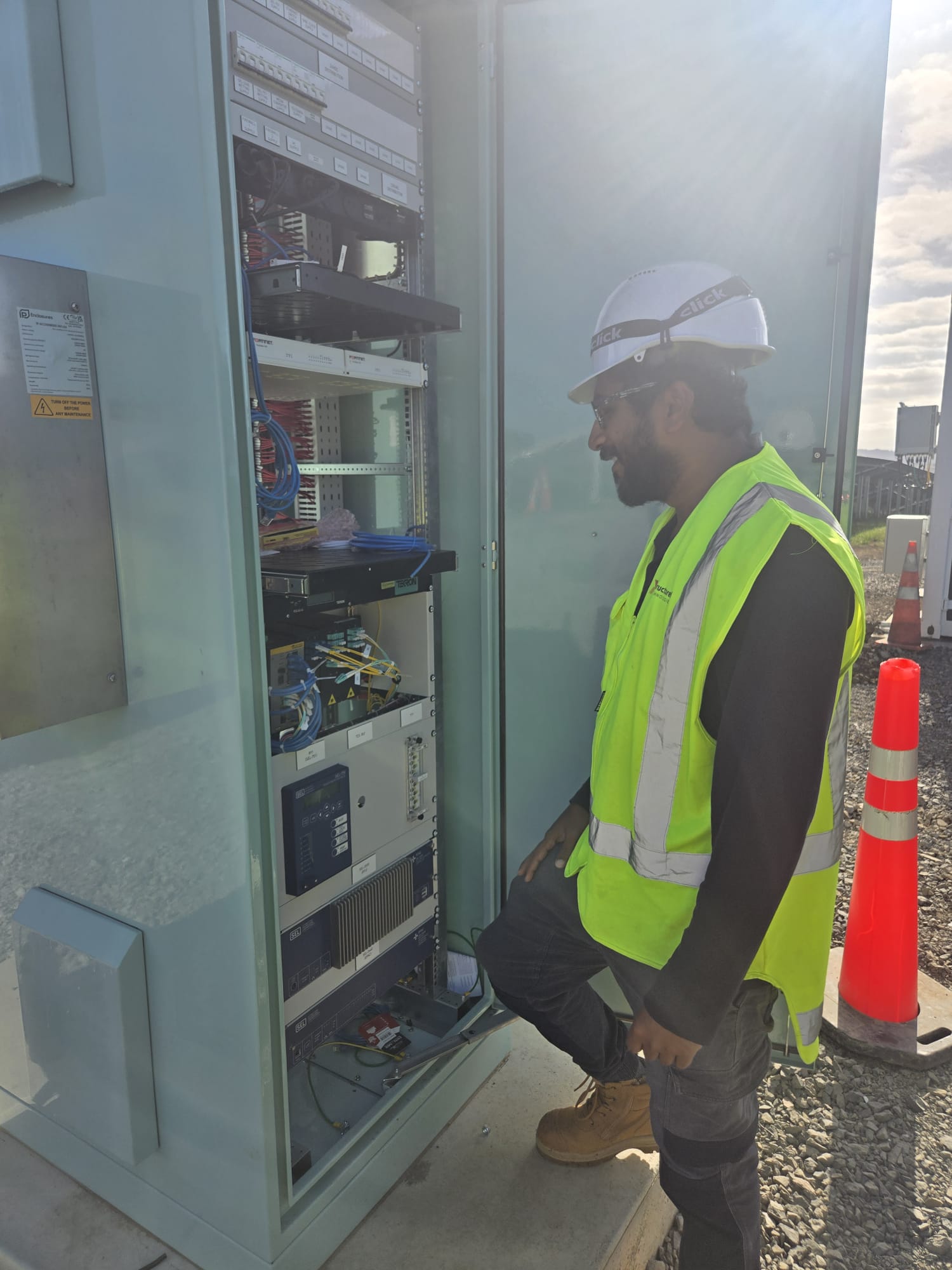
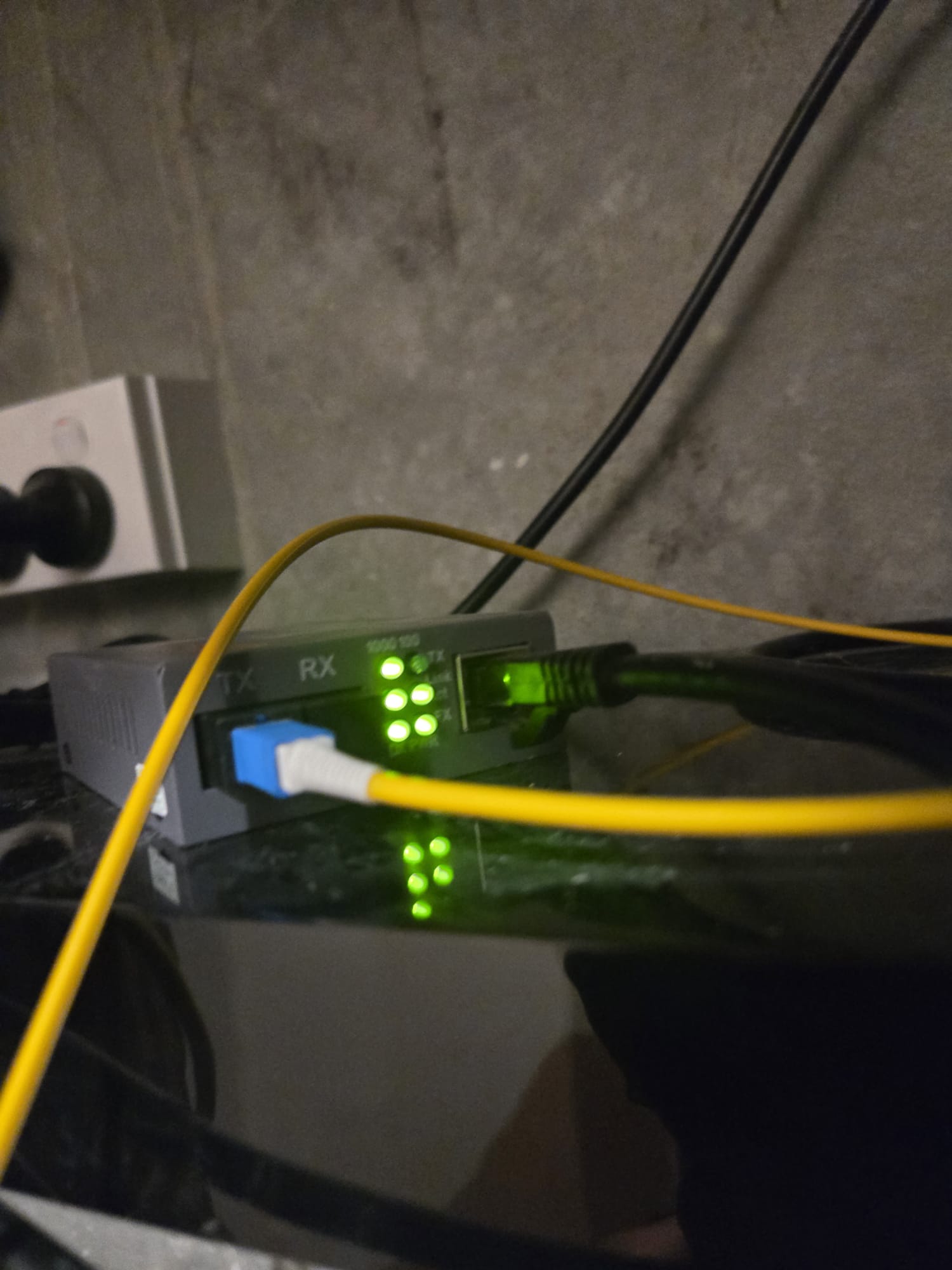
Recent Cat6 + WiFi installs
Get cabling installed in Howick
Free on-site inspection across Howick and surrounding suburbs. Cat6 wiring from $480. Same-day call-out. Written quote within 24 hours.
Cabling in nearby Auckland suburbs
Serving Howick, Botany, Pakuranga, and the eastern bays. Two-storey solid-brick homes are the pattern out here, so our nearby-suburb quotes usually plan for both floors and a dedicated access point per level, not just one central router.