

How to choose a comms cabinet: 6U vs 12U, wall vs floor
By Namra Shah · Cabling For U · Auckland · Updated November 2026
You can spot a cabinet that was bought too small from across the room. There’s a second switch balanced on top, the recorder’s sitting on the floor, and the door won’t shut because the patch leads are in the way.
Buy one too big and you’ve paid for steel and wall space you’ll never use. Get the size right and you only buy once. Here’s how we work it out.
Short answer: Add up the rack units (U) your gear takes, then add about a third. Homes usually need a 6U to 9U wall cabinet or a 10-inch mini cabinet. Small offices usually need 12U on the wall. Once you’re past about 15U, or a server or big UPS is going in, go floor-standing.
How it usually goes wrong: A 6U cabinet goes in with the fibre box, the router and a small switch, and on day one it’s perfect. A year later someone adds cameras. The recorder ends up on the floor next to it, a second switch gets balanced on top, and the door stops closing. Fixing it means a bigger cabinet and re-patching everything, which costs more than buying the 9U or 12U in the first place.
First, what’s a “U”?
One rack unit (1U) is 44.45mm of height in a standard 19-inch rack. Everything rack-mount is sized in whole units, and cabinets are sold by how many they hold. A 24-port patch panel takes 1U. A 48-port panel usually takes 2U. Most rack switches are 1U.
Step 1: list everything that’s going in
| Item | Typical space |
|---|---|
| 24-port Cat6 patch panel | 1U |
| 48-port Cat6 patch panel | 2U |
| Horizontal cable manager (one per panel or switch) | 1U each |
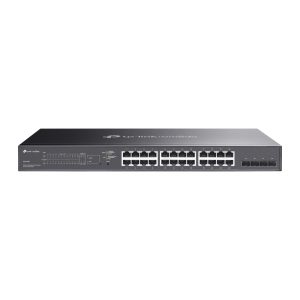
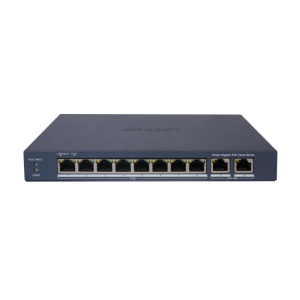
| Rack-mount switch (8 to 48 port) | 1U |
| Router, modem or fibre ONT on a shelf | 1U to 2U |
| CCTV recorder (NVR) on a shelf | 1U to 2U |
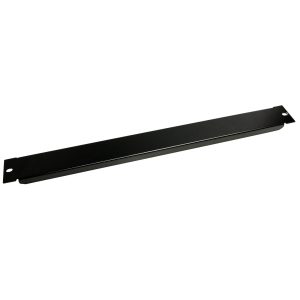
| Power rail | 1U |
| Rack-mount UPS | 2U or more |
Don’t forget the gear that sits on a shelf rather than bolting in. The fibre box, the router and the NVR all take space.
Step 2: add a third for growth
You will add something. A second switch, a NAS, four more cameras. Warm gear also needs air around it. So take your total and add about a third, then fill the gaps with blanking panels so it still looks tidy.
Worked example (small office, 24 data points plus CCTV): 24-port patch panel 1U + cable manager 1U + 24-port PoE switch 1U + cable manager 1U + router shelf 1U + NVR shelf 2U + power rail 1U = 8U. Add a third and you’re at about 11U. A 12U cabinet is the right call.
Step 3: on the wall or on the floor?
- Wall-mount (6U to 15U) keeps gear off the floor and out of the way in homes, shops and small offices. Fix it to studs or solid masonry. Never just plasterboard.
- Floor-standing (18U and up) is for heavy, deep gear like servers and big UPS units. It’s also much easier to work in once it’s full.
- Swing-frame wall cabinets hinge away from the wall, so you can get to the back of the patch panel and switch without taking the whole thing down.
Step 4: check the depth (this is the one people miss)
Height gets all the attention, but depth catches more people out. Switches and patch panels are shallow. NVRs are deeper. Servers are deeper again. Measure your deepest piece of gear and leave room for the cables behind it.
The Dynamix swing cabinets below are 550mm deep, which is fine for switches, routers and most NVRs. If a server’s going in, you want a 4-post floor rack.
Step 5: enclosed or open frame?
- Enclosed cabinets lock, keep the dust out and look tidy in a shared space. A glass door means you can check the lights without opening it.
- Open-frame racks cost less and are easier to cable and keep cool, but they belong in a locked comms room.
Quick sizing by job
| Situation | Usually needs |
|---|---|
| Home: fibre, router, small switch, a few data points | 10-inch mini cabinet or 6RU wall cabinet |
| Home with CCTV and 8 to 16 data points | 9RU wall cabinet |
| Small office, 24 points plus CCTV | 12RU wall cabinet |
| Office with 48+ points, servers or a large UPS | 18RU+ floor-standing rack |
Wall-mount data cabinets
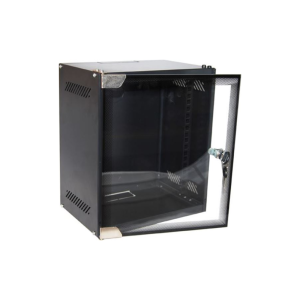 Dynamix R10WM9D 10" Mini Wall-Mount Cabinet, 9U, Glass Door, 280 x 310 x 462mmR10WM9D
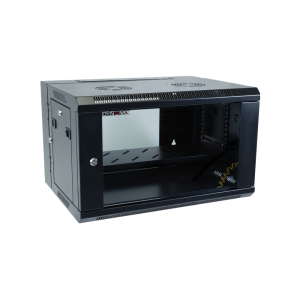 Dynamix 6RU Swing Wall-Mount Data Cabinet, Glass Door, 600 x 550 x 368mm, BlackRSFDS6
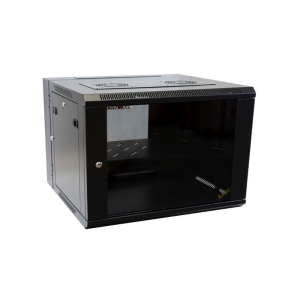 Dynamix 9RU Swing Wall-Mount Data Cabinet, Glass Door, 600 x 550 x 501mm, BlackRSFDS9
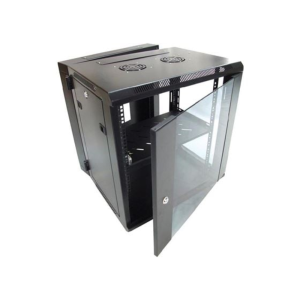 Dynamix 12RU Swing Wall-Mount Data Cabinet, Glass Door, 600 x 550 x 635mm, BlackRSFDS12
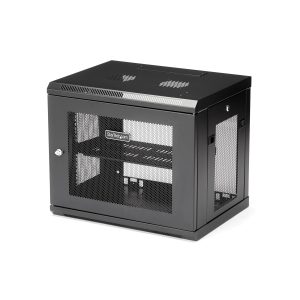
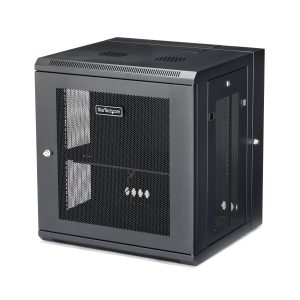
Prices include GST and update automatically. Genuine NZ-channel stock.
Open wall racks and floor racks
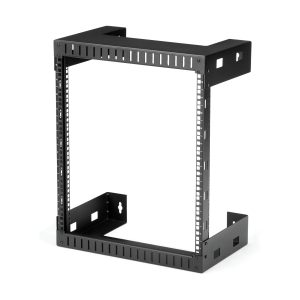 StarTech.com 12U 19" Wall Mount Network Rack 12" Deep Open AV IT Data RackRK12WALLO
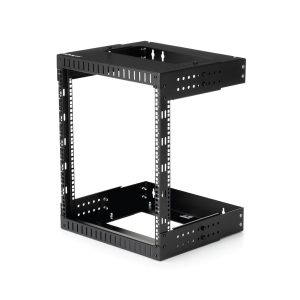
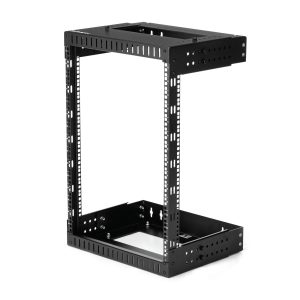
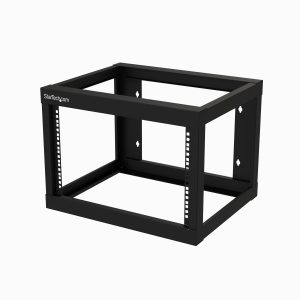
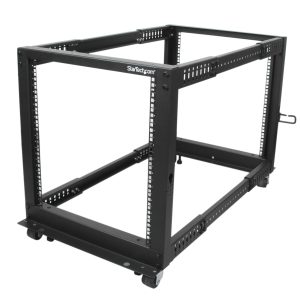
Prices include GST and update automatically. Genuine NZ-channel stock.
Fit-out: patch panels, cable management, shelves
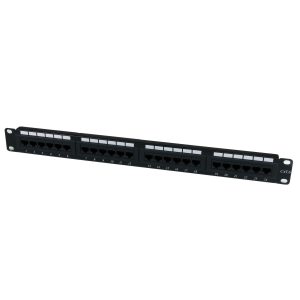 StarTech.com 24 Port Cat6 Patch Panel - 110 Type Rack Mount Patch Panel 1UC6PANEL24
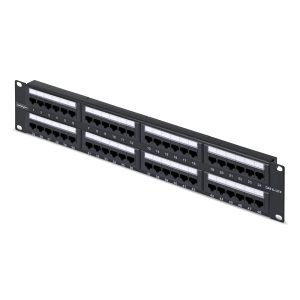
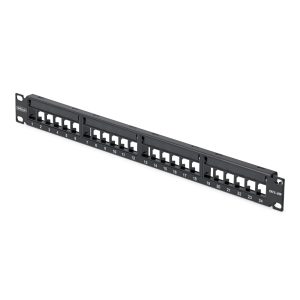 StarTech.com 24 Port 1U Blank Keystone Patch Panel, Rackmount Patch PanelC6PANELUTP241U
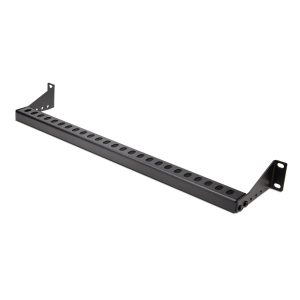
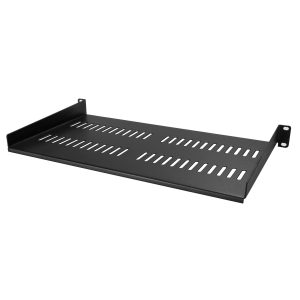
Prices include GST and update automatically. Genuine NZ-channel stock.
Switches to go in it
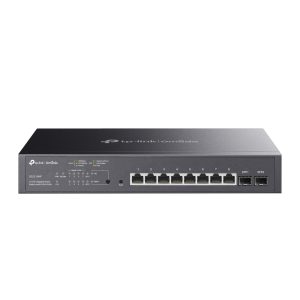 TP-Link Omada SG2210MP 8-Port Gigabit PoE+ Smart Switch + 2 SFP, 150W, RackmountSG2210MP
Prices include GST and update automatically. Genuine NZ-channel stock.
What people ask us
Is a 6U cabinet big enough for a home?
Usually, yes. A patch panel, cable manager, small switch and a router shelf all fit in 6U. Adding CCTV? Go to 9U so the recorder gets its own shelf.
What’s the difference between a 10-inch and a 19-inch cabinet?
Width. A 10-inch mini cabinet suits a small home install with 10-inch patch panels and compact switches. Most business gear is 19-inch, so a 19-inch cabinet gives you far more to choose from.
Does a comms cabinet need ventilation?
A switch, router and recorder together get warm. Keep the vents clear, use vented shelves and blanking panels, and don’t shut the cabinet inside a cupboard with no airflow. A busy cabinet may need a fan.
Can you install and fit it out for me?
Yes. Anywhere in Auckland, we’ll mount the cabinet, terminate every data run onto the patch panel, label both ends, Fluke-test each one and patch in your gear.
Rather we just sorted it?
We’ll size it, mount it, terminate and label every run, and test the lot. The same crew that installs it owns the fix if anything’s ever wrong, and the labour’s quoted in writing before we start.
Who wrote this
Namra Shah has been installing data cabling, comms cabinets and security systems around Auckland since 2018. Cabling For U is a trading name of Harikrupa Limited (NZBN 9429046975126), a PSPLA-licensed security company with $10M public liability cover. Every install comes with a 12-month workmanship warranty.