

SFP modules explained: which one fits your switch?
By Piyush Patel, Technical Manager · Cabling For U · Auckland · Updated November 2026
You’ve got an empty SFP port and a fibre run to light up. Pick the wrong module and the link light just stays dark.
The good news? There are only four things to match. Get those right and you’ll have the right part in a minute.
Short answer: Match the speed of the port (SFP is 1Gb, SFP+ 10Gb, SFP28 25Gb), the fibre type in the wall (multimode or single-mode), the distance of the run, and the coding your switch expects (Cisco, Meraki, Juniper, HPE and so on). Both ends of the link need a matching module.
How it usually goes wrong: The fibre’s in, the modules are in, and the link light stays off. It’s almost never the fibre itself. It’s usually multimode modules on single-mode fibre, transmit and receive crossed over, or a dusty connector end. Swap the module, flip the pair or clean the end, and the link comes straight up.
1. Speed: SFP, SFP+ or SFP28
| Type | Speed | Typical use |
|---|---|---|
| SFP | 1Gb (some 100Mb) | Building and campus links, uplinks on small switches |
| SFP+ | 10Gb | Switch-to-switch uplinks, servers, NAS |
| SFP28 | 25Gb | Data centre and server links |
Plenty of SFP+ ports will take a 1Gb SFP too. Not all of them, though, so check the switch datasheet before you count on it.
2. Fibre type: multimode or single-mode
- Multimode (OM3/OM4, usually an aqua jacket) is for shorter runs inside a building. The modules are called SX (1Gb) or SR (10Gb and 25Gb), and they use 850nm light.
- Single-mode (OS1/OS2, usually a yellow jacket) is for long runs between buildings and across sites. The modules are called LX (1Gb) or LR (10Gb), and they use 1310nm light.
The module has to match the fibre that’s already in the wall. Put a multimode module on single-mode fibre (or the other way round) and it won’t work properly.
3. Distance
| Module | Fibre | Standard reach |
|---|---|---|
| 1000BASE-SX | Multimode | Up to 550m |
| 1000BASE-LX | Single-mode | Up to 10km |
| 10GBASE-SR | OM3 / OM4 | 300m / 400m |
| 10GBASE-LR | Single-mode | Up to 10km |
| 25GBASE-SR | OM3 / OM4 | 70m / 100m |
| 1000BASE-T (copper RJ45) | Cat5e or better | Up to 100m |
| DAC twinax cable | Copper, fixed length | Same rack or next rack |
4. Coding: will your switch accept it?
Every module stores an ID that tells the switch who made it, and some switches are fussy about it. They’ll only accept a module coded for their own brand.
StarTech.com codes each module to match a specific vendor part. The part it replaces is right there in the product name, for example “Cisco SFP-10G-SR compatible” or “Cisco Meraki MA-SFP-1GB-SX compatible”. Pick the one coded for your switch. Not sure? Send us the switch model and we’ll tell you which one.
The odd ones out
- DAC cables link two switches, or a switch and a server, in the same rack. They’re the cheapest way to get 10Gb, and there’s no separate fibre to buy.
- Copper (RJ45) SFPs turn an SFP port into a normal Ethernet port, which is handy when the far end is a copper device.
- BiDi modules send and receive over a single fibre. They come in matched pairs: an “upstream” module at one end and a “downstream” module at the other.
- DDM / DOM in the name means the module reports its light levels and temperature to the switch. That’s a big help when you’re chasing a weak link.
What to buy for common jobs
| Job | What to buy |
|---|---|
| 1Gb link between floors on multimode fibre | A pair of 1000BASE-SX SFPs + OM3/OM4 LC-LC leads |
| 1Gb link to another building on single-mode fibre | A pair of 1000BASE-LX SFPs + OS2 LC-LC leads |
| 10Gb uplink between two switches in one rack | One SFP+ DAC cable |
| 10Gb backbone across a site | A pair of 10GBASE-LR SFP+ modules + single-mode leads |
1Gb SFP modules
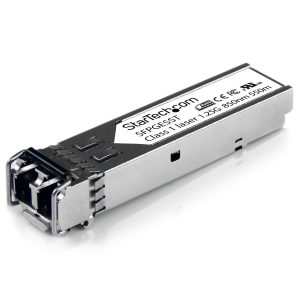
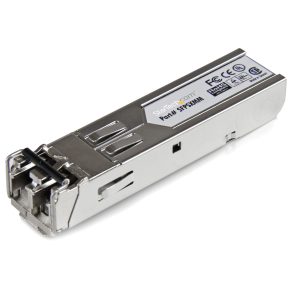
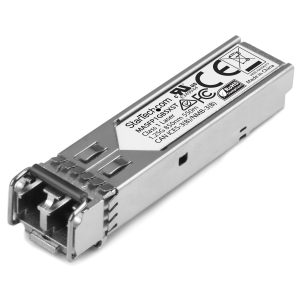 StarTech.com Gigabit Fibre 1000base-SX SFP - Meraki MA-SFP-1GB-SX CompatibleMASFP1GBSXST
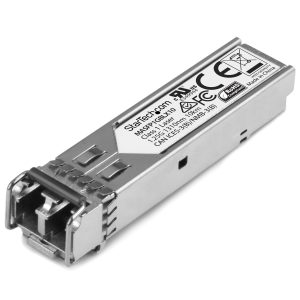 StarTech.com Gigabit Fibre SFP - Cisco Meraki MA-SFP-1GB-LX10 Compatible - SMMASFP1GBLX10
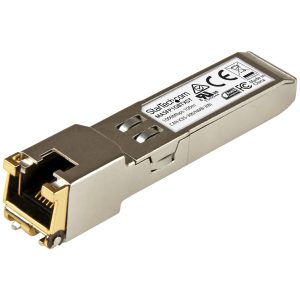
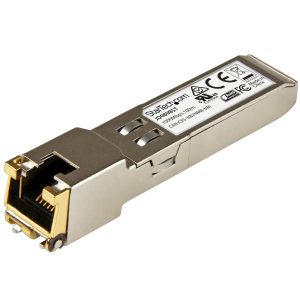
Prices include GST and update automatically. Genuine NZ-channel stock.
10Gb SFP+ and 25Gb SFP28 modules
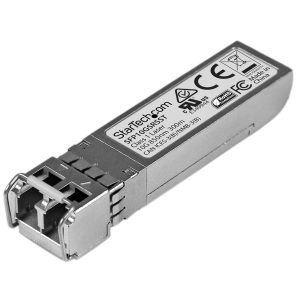
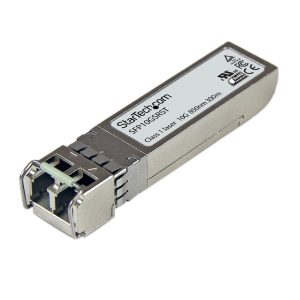
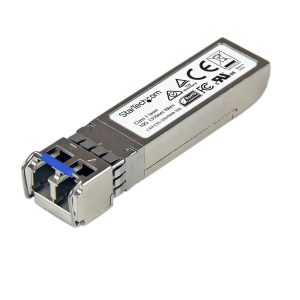 StarTech.com Juniper SFPP-10GE-LR Compatible SFP+ - 10GbE SMF - 10km DDMSFPP10GELRST
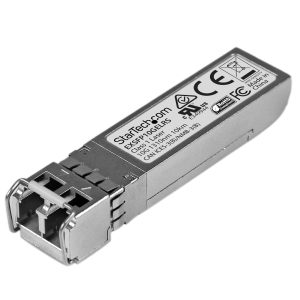 StarTech.com Juniper EX-SFP-10GE-LR Compatible SFP+ - 10gbase-LR - SM LCEXSFP10GELRS
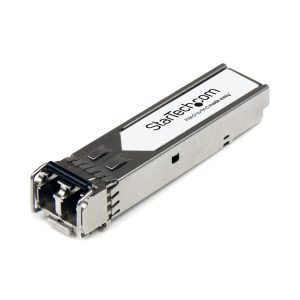 StarTech.com HPE J9150d Compatible SFP+ - 10GbE MMF Transceiver - 300m DDMJ9150D-ST
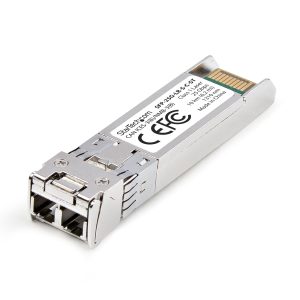 StarTech.com Cisco SFP-25G-SR-S Comp. SFP28 Module, 25GbE, MMF, 100m, LCSFP-25G-SR-S-C-ST
Prices include GST and update automatically. Genuine NZ-channel stock.
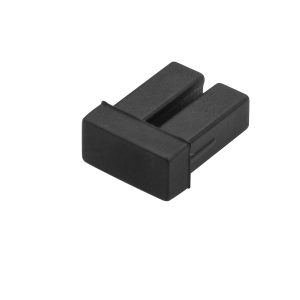
DAC cables, fibre leads and dust caps
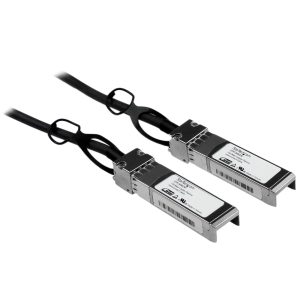
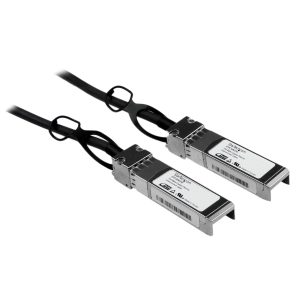 StarTech.com Cisco SFP-H10GB-CU1M Compatible 1m 10GbE SFP+ DAC Twinax CableSFPCMM1M
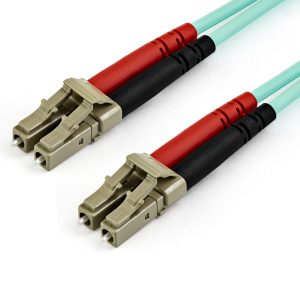
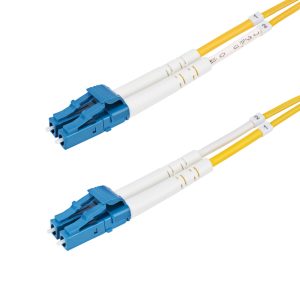
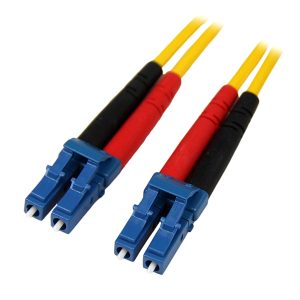 StarTech.com 1m Fibre Optic Cable - Single-Mode Duplex 9/125 LSZH - LC/LCSMFIBLCLC1
Prices include GST and update automatically. Genuine NZ-channel stock.
What people ask us
Do I need the same SFP at both ends?
Both ends have to match on speed, fibre type and wavelength. They don’t need the same brand coding, though. Each end should be coded for the switch it’s plugged into.
Will a third-party SFP void my switch warranty?
That depends on the switch maker. Many are fine with third-party optics, or just won’t support the module itself. Check your vendor’s policy before you order.
Why won’t my fibre link come up?
The usual suspects: a multimode module on single-mode fibre, transmit and receive crossed over, a dirty connector, or a switch rejecting the module’s coding. If you need the fault found, we test fibre with light-loss and OTDR gear.
Can you install the fibre as well as supply the modules?
Yes. We install, splice, terminate and test single-mode and multimode fibre right across Auckland.
Got the module, but not the fibre?
We run, splice and test fibre between floors, buildings and sites, then patch your switches in. You get the test results with the handover.
Who wrote this
Piyush Patel is our Technical Manager. He’s spent more than 10 years on access control, CCTV and network systems, including the Auckland City Rail Link. He’s Gallagher and Inner Range Integriti certified. Cabling For U is a trading name of Harikrupa Limited, a PSPLA-licensed security company with $10M public liability cover.